
An application serves as template for a pre-defined spatial assessment. It provides a list of specific criteria and constraints organised into categories. If no application matches the requirements, a custom assessment supports user-defined projects.
What applications provide
Each application provides four elements that prepare a project for a specific type of spatial assessment.
Categories
Related criteria are grouped into weighted categories, each producing its own map that illustrates the contribution to the overall score map.
Suggested criteria
A starting list of pre-defined criteria and constraints with their units and data types. They can be further edited and combined with user-defined criteria.
Guidance
Explanations of the scoring direction of the criteria, the selection among correlated criteria and the interpretation of the result classes.
Case stories
Summaries of published studies that show examples of applications with real datasets. They can be opened in the app in read-only mode and used as tutorials.
An application provides only suggestions that can be edited by the user. It does not provide weights, thresholds or scoring functions; these need to be defined by the user and are documented in the report.
Interpreting the results
The applications classify the result from very low to very high. The meaning of the very high class depends on the application: a favourable location for suitability, feasibility and potential maps, and an area of concern for vulnerability and risk maps.
A classified map can also highlight candidate areas, which are contiguous zones of the highest class. Depending on the application, these areas can be selected for field investigation or exploration, or serve as priority areas for protection or mitigation measures.
| Application | Result | Very high means | Typical decision |
|---|---|---|---|
| MAR site suitability | Feasibility map | Favourable conditions for a MAR scheme | Areas for field investigation |
| Aquifer vulnerability | Vulnerability map | Little natural protection of groundwater | Areas for protection and monitoring |
| Flood risk assessment | Risk map | High flood risk | Areas for mitigation and preparedness |
| Groundwater potential | Potential map | Productive aquifer conditions likely | Areas for exploration |
| Land suitability | Suitability map | Land well suited to the defined use | Areas for the land use |
| Custom assessment | Result map | Defined in the project | Defined by the study |
Common workflow
All applications follow the same nine steps, grouped into three phases. The application influences only the suggestions offered in the criteria and constraints steps; the remaining steps are identical.
Phase 1
Set up
Study area and reference grid, criteria organised in categories, and the input data
- 1Study area
- 2Criteria
- 3Data
Phase 2
Evaluate
Exclusion areas, standardisation of each criterion, and weights from analyst methods or an anonymous stakeholder survey
- 4Constraints
- 5Standardisation
- 6Weighting
Phase 3
Analyse
Classified maps for each scenario, sensitivity analysis, and a documented report
- 7Results
- 8Sensitivity
- 9Export
Case stories
Case stories summarise published studies carried out with the GIS-MCDA workflow. Each case story can be opened in the mcda.Studio app in read-only mode, and an editable copy can serve as a starting point for a new project.
-
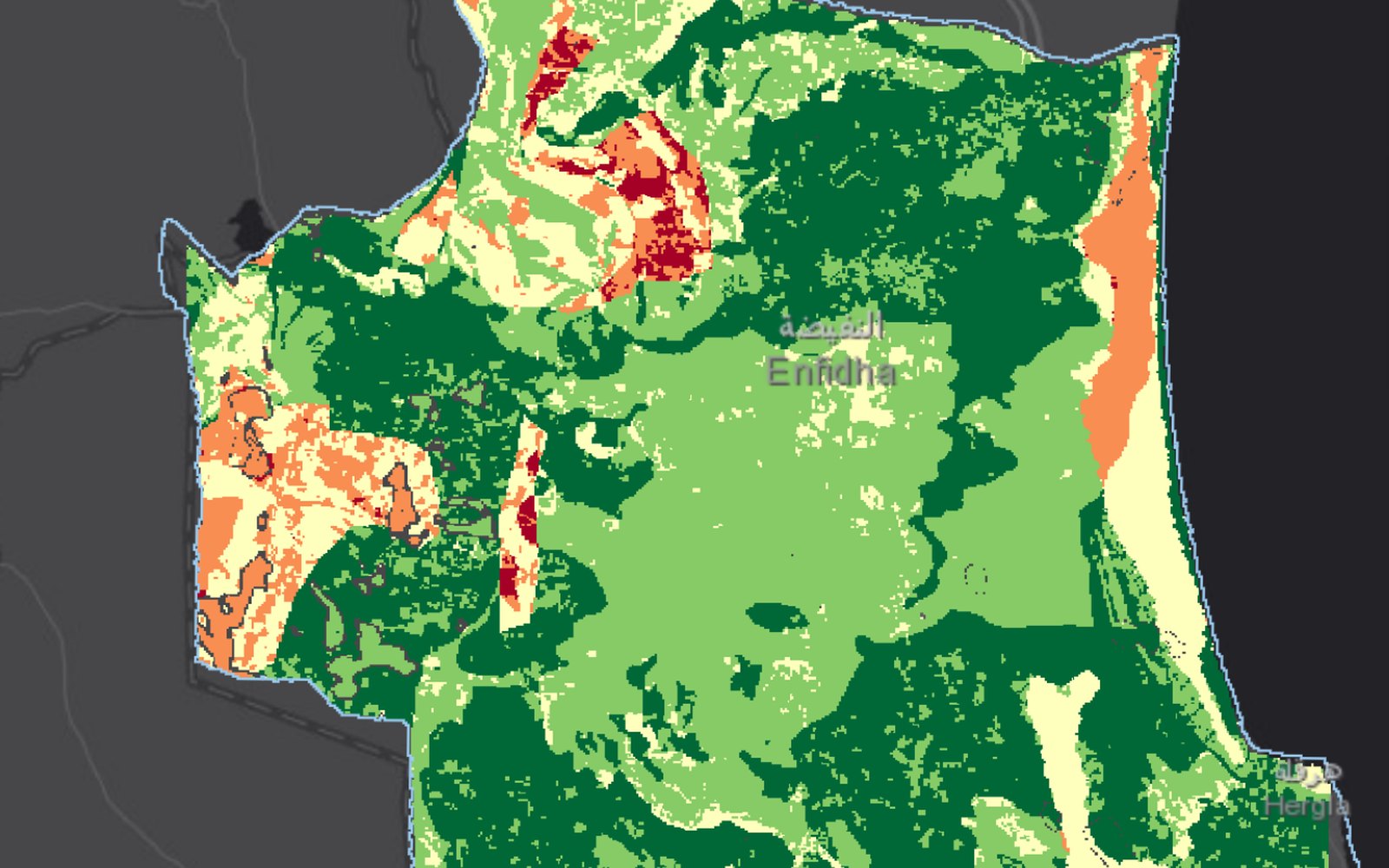 Case stories
Enfidha, Tunisia: where MAR is suitable and where it is feasible
Read more →: Enfidha, Tunisia: where MAR is suitable and where it is feasible -
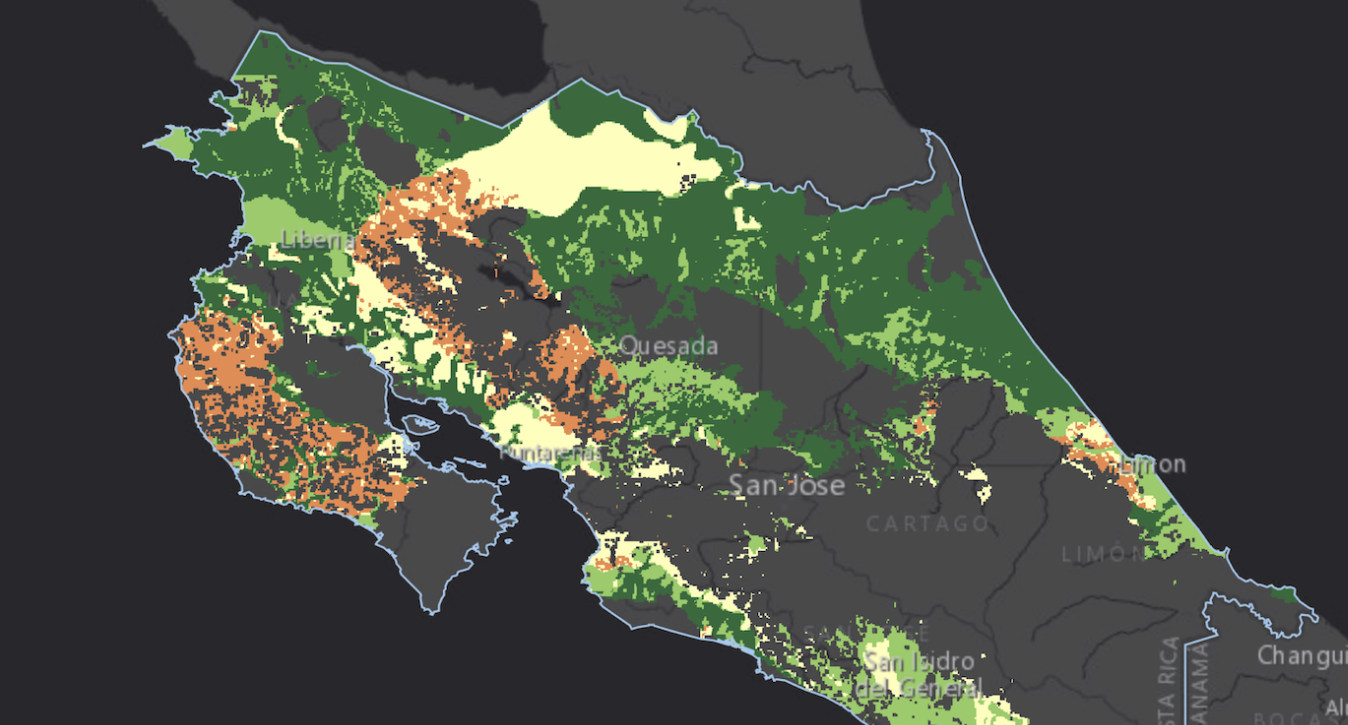 Case stories
Costa Rica: where spreading methods can recharge aquifers
Read more →: Costa Rica: where spreading methods can recharge aquifers -
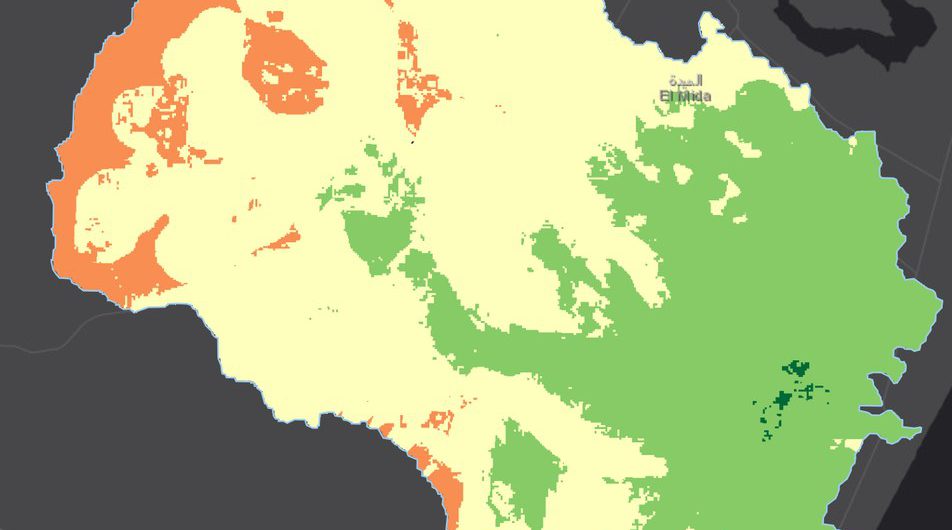 Case stories
Chiba, Tunisia: stakeholders weight MAR feasibility
Read more →: Chiba, Tunisia: stakeholders weight MAR feasibility
Choosing an application
The application is selected when a project is created and can be changed later in the project details, together with the title, description and keywords. A change affects only the suggestions offered; criteria and constraints already in the project remain unchanged.
Start a project
Create a project, choose an application and follow the workflow step by step.