
Features
From data layers to reports
Criteria and data
Build your maps with your own criteria or start from our suggestions
Start from recommended criteria and constraints, or bring your own maps. Every layer keeps a record of its source and how far to trust it.
- Criteria library with recommended criteria and constraints
- Raster and vector inputs, prepared on the server
- One reference grid shared by every layer
- Provenance and confidence recorded for each layer

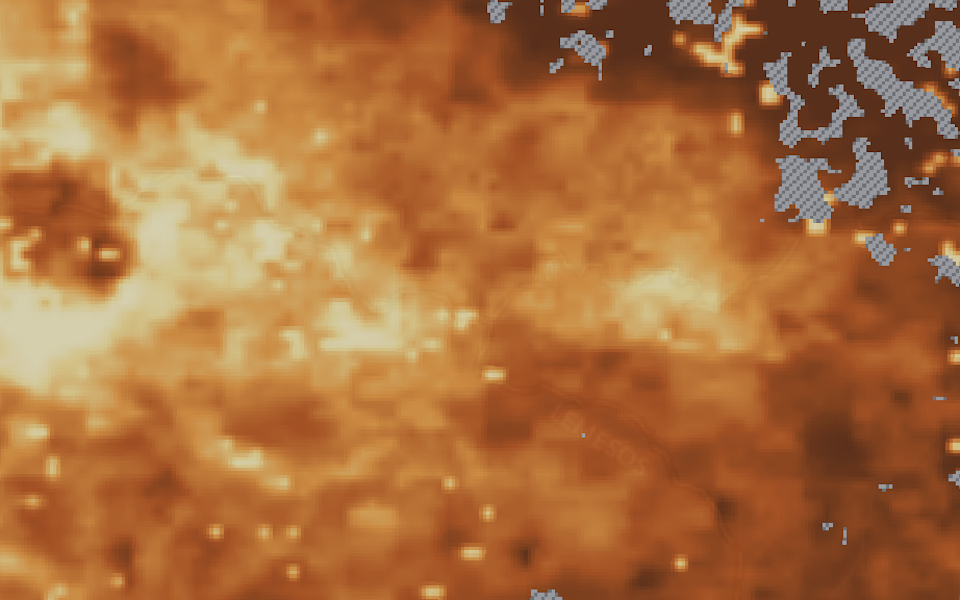 Criteria libraryBased on the AGREEMAR criteria matrix, curated and versioned. Import from other projects or add your own.
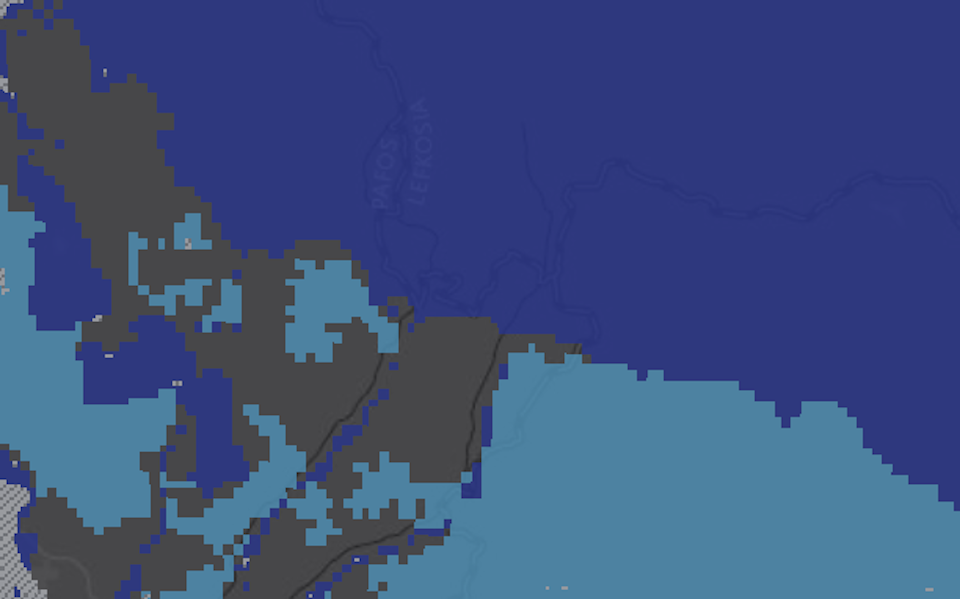 Hierarchical structureCategories such as intrinsic suitability or water availability, each criterion with unit, data type and source.
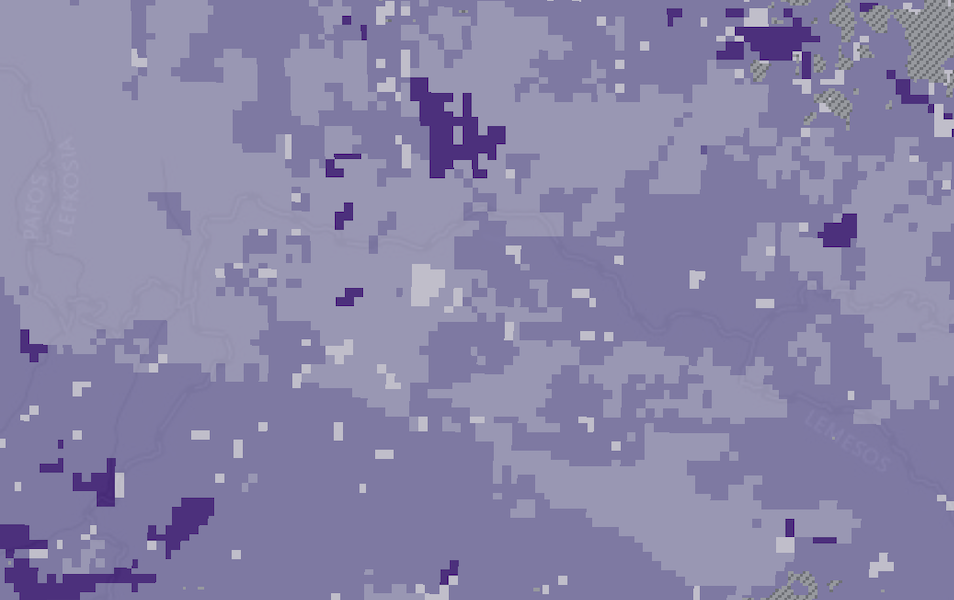 Raster and vector dataGeoTIFF, ASCII grid, GeoPackage, GeoJSON or shapefile. Polygons are rasterised by attribute or turned into distance maps.
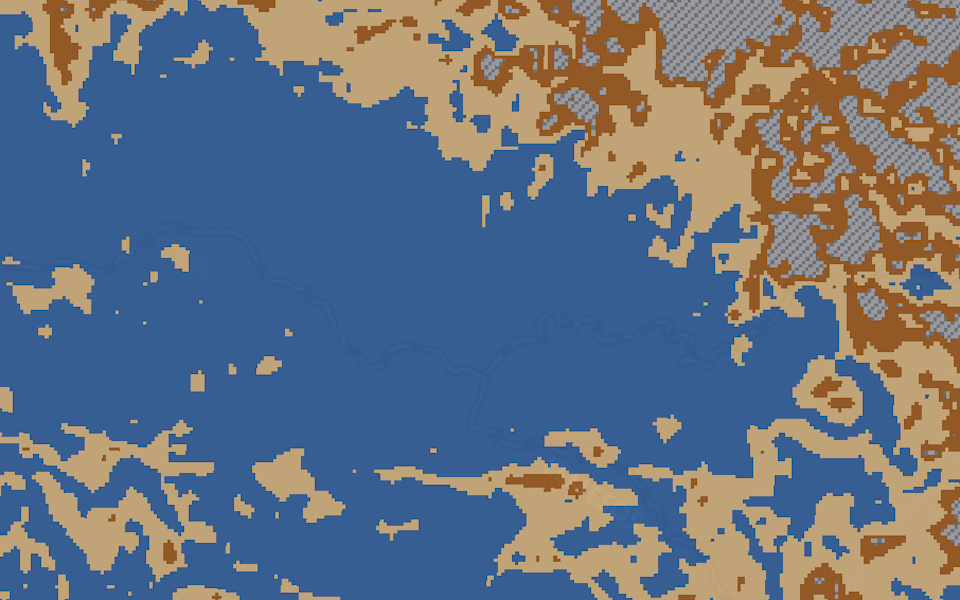 One reference gridProjected in metres, UTM by default. Nearest or majority resampling for classes, bilinear or average for values.
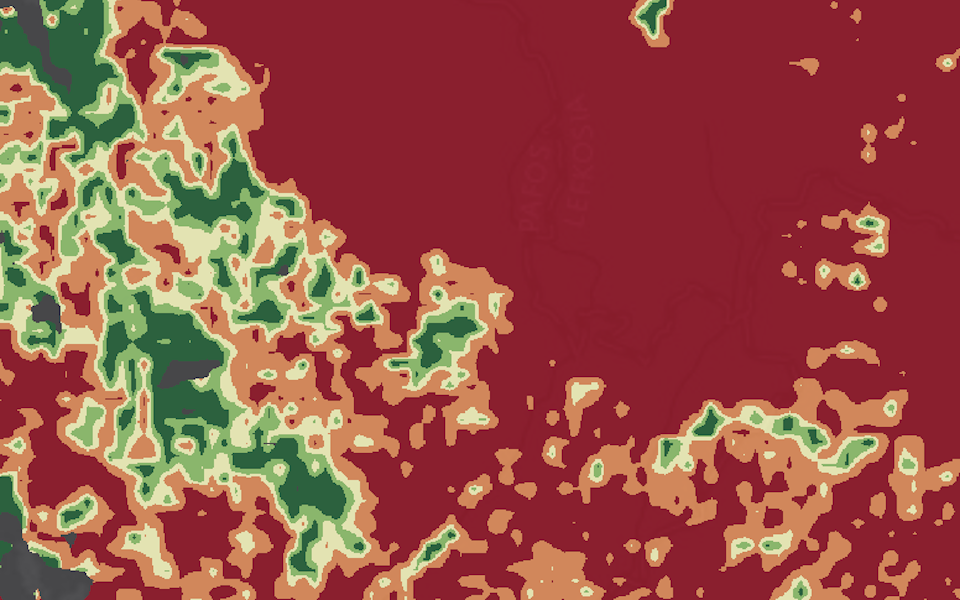 Confidence levelsRate each layer from 1 to 5 or upload a confidence raster. Mean and minimum maps reveal weak data.
Standardisation and weighting
Score and weight your criteria as an analyst or with stakeholders
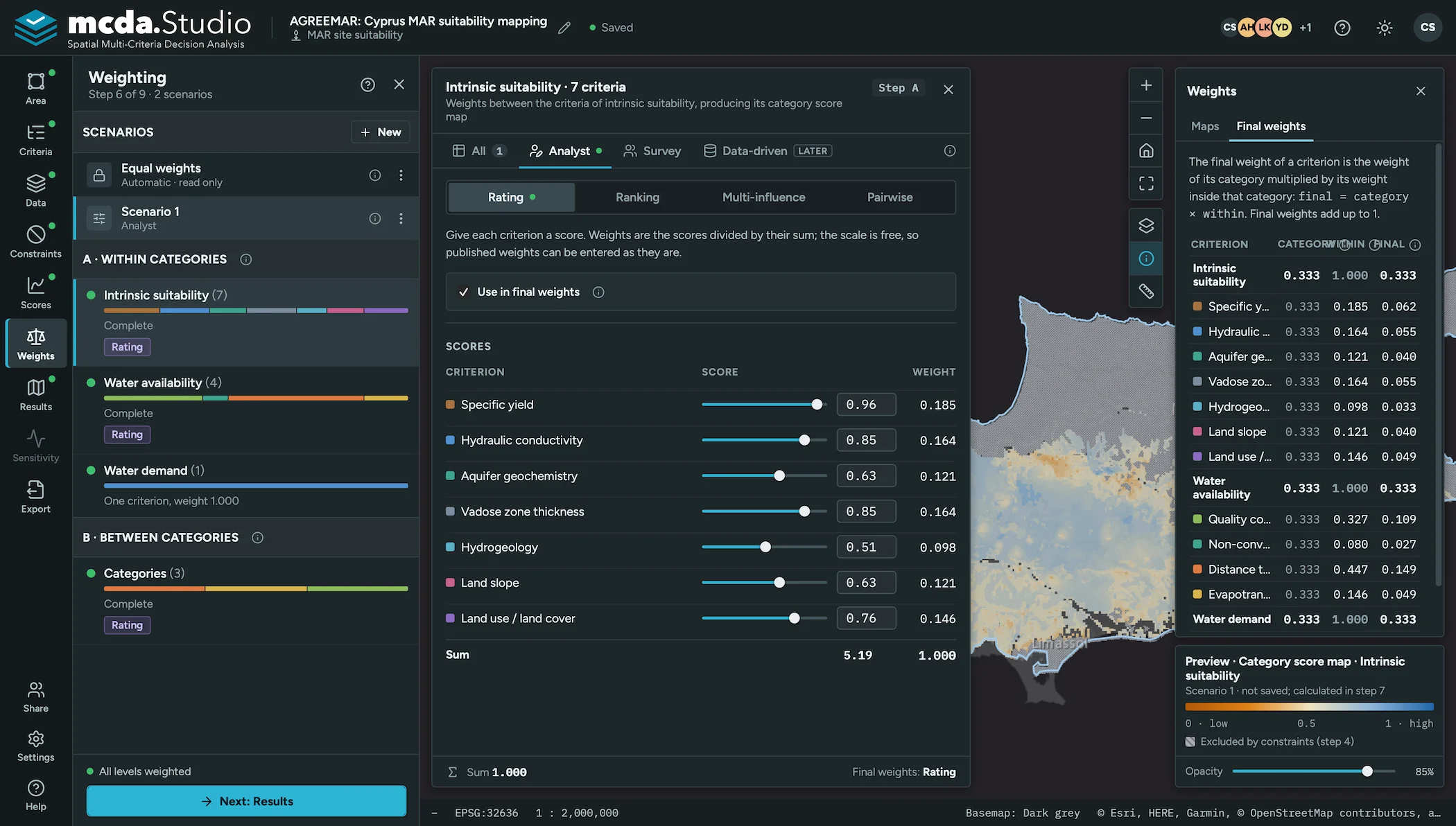
Score every criterion on a common scale and create weighting scenarios that you can compare, starting from an equal-weights base.
- Standardisation with piecewise linear or step-wise functions
- Analyst mode with four weighting methods
- Stakeholder survey through a link and a code
- Two levels: a map per category, then the overall map
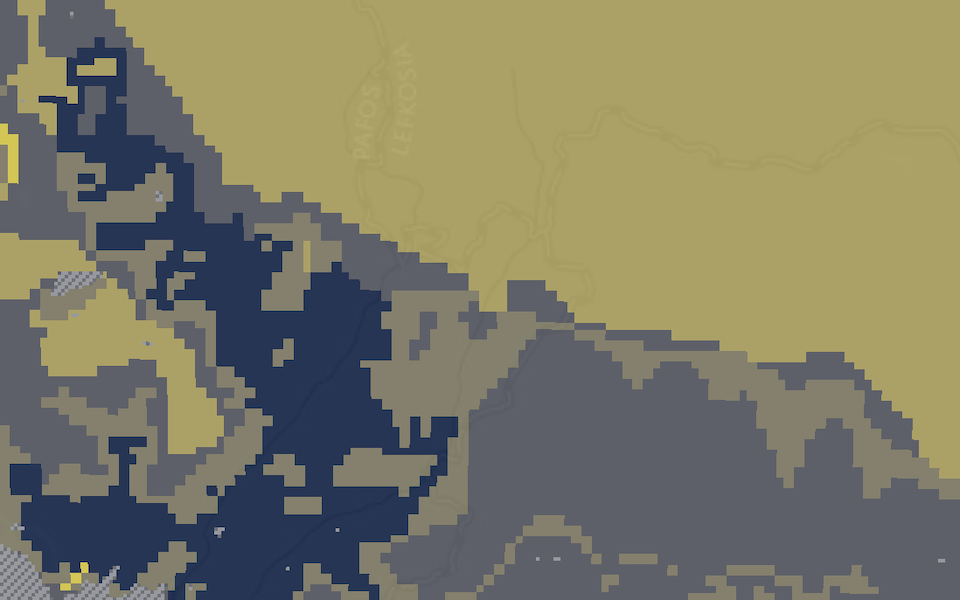 StandardisationOne score per class for discrete criteria, piecewise linear or step-wise functions for continuous ones, on a 0–1, 1–5 or 1–10 scale.
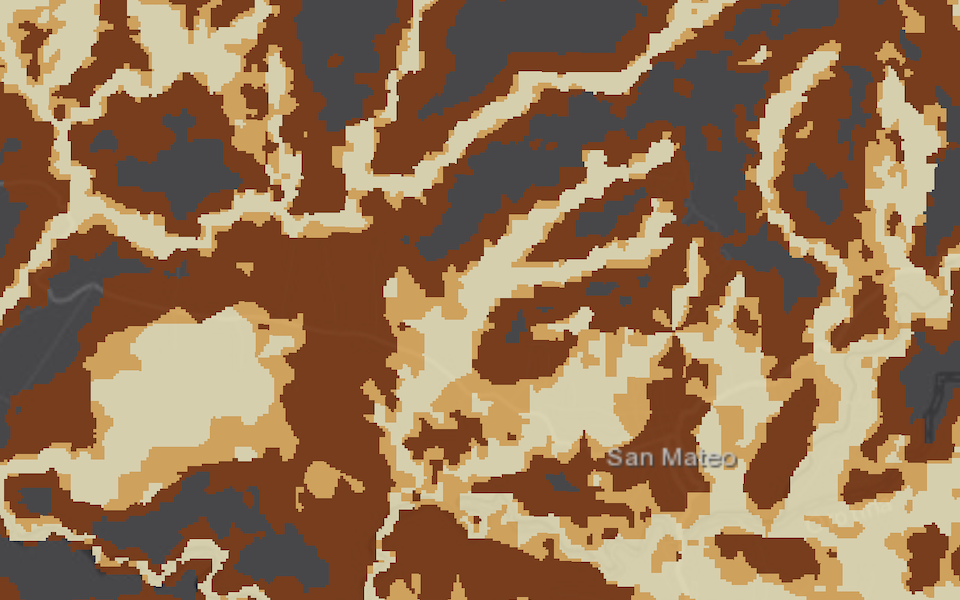 Multiple scenariosAn equal-weights base scenario is created automatically; every weighting becomes a scenario to compare.
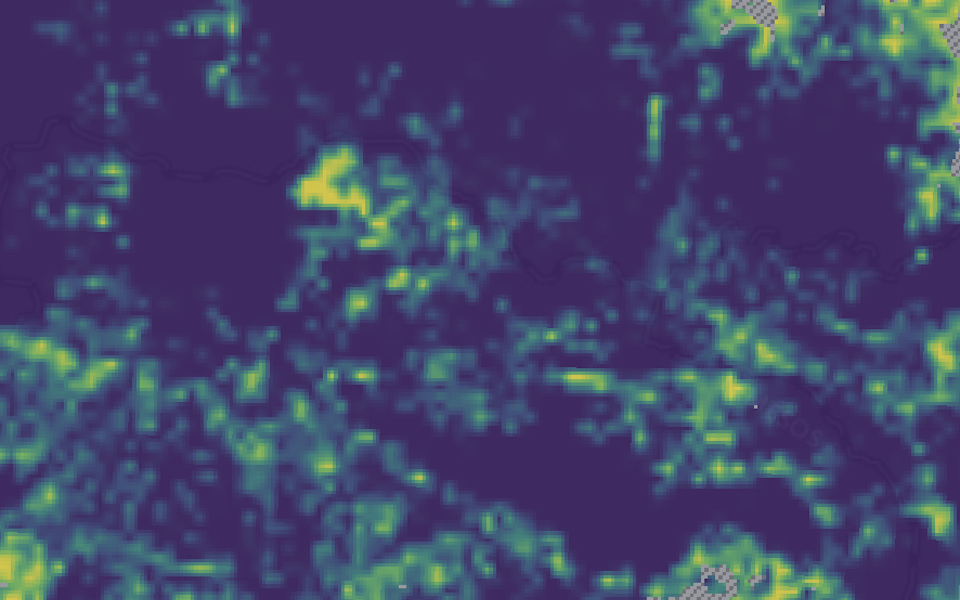 Four analyst methodsRating, ranking, multi-influence factor and AHP, with consistency ratio and the least consistent judgements.
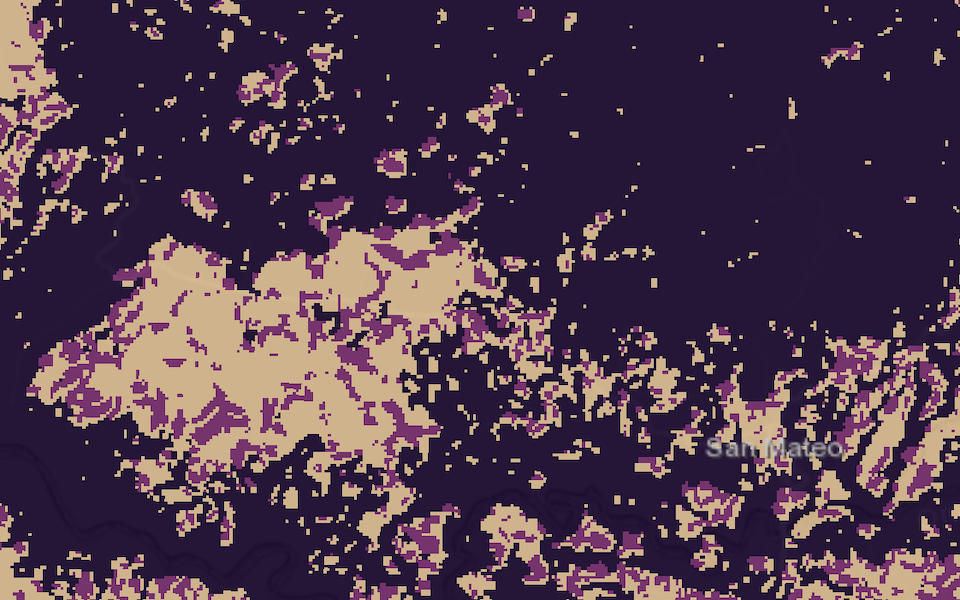 Stakeholder surveyRankings become rank-sum weights. Weak agreement and very fast answers are flagged for review.
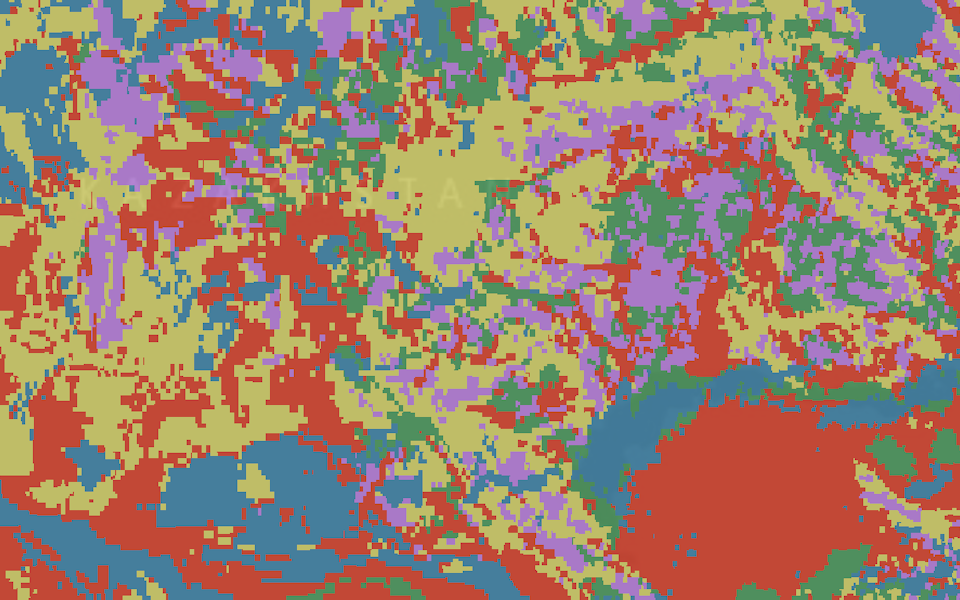 Two levels of weightsCriteria within each category first, then the categories against each other.
Results and robustness
Create scenarios and compare their performance and robustness
Calculations run on the server, so large study areas stay fast. Put scenarios side by side, find the areas worth a closer look, and check whether they hold when the weights change.
- Scenario comparison side by side
- Candidate areas for detailed investigation
- Sensitivity analysis of every weight
- Live preview of the map while you score and weight
- Validation against known sites (planned)
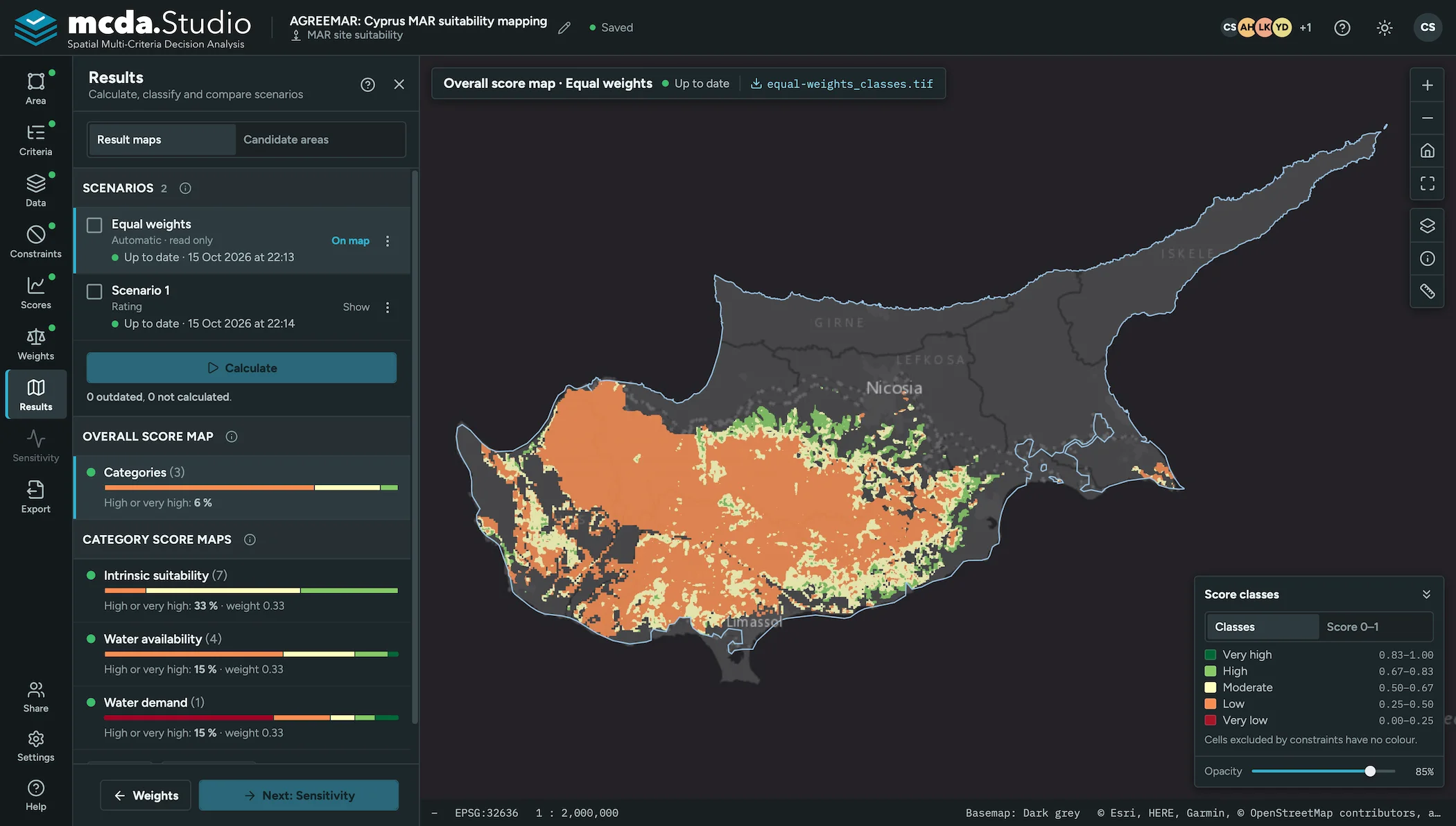
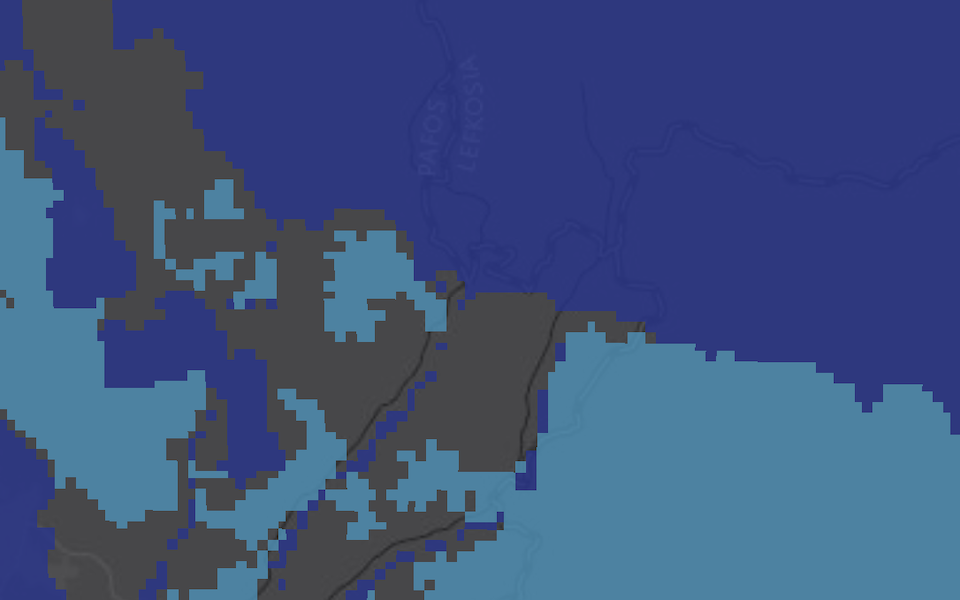 Scenario comparisonClass areas of two scenarios side by side, with a map of class differences.
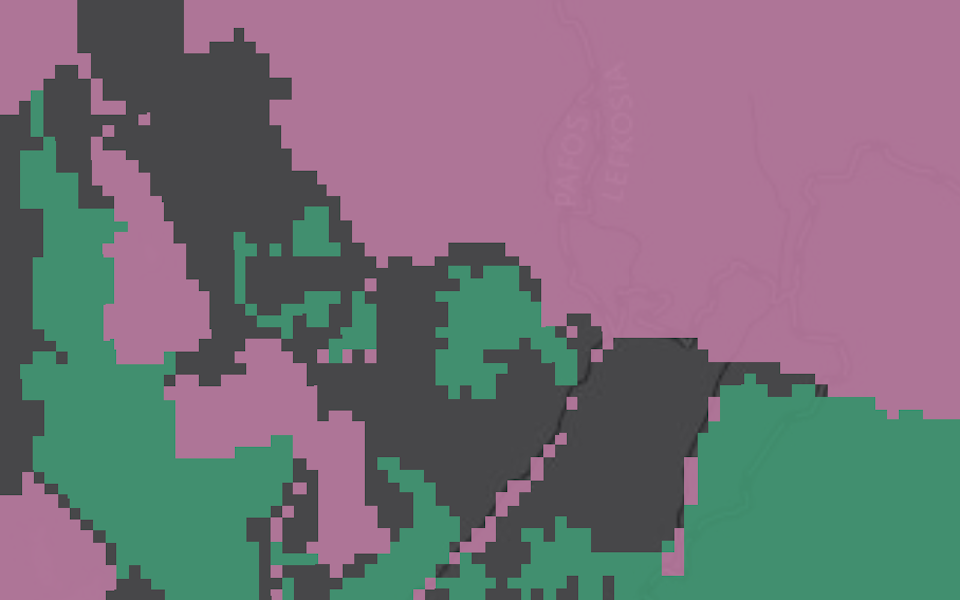
 Candidate areasThresholds per criterion and overall, agreement across scenarios, and strict, standard or relaxed presets.
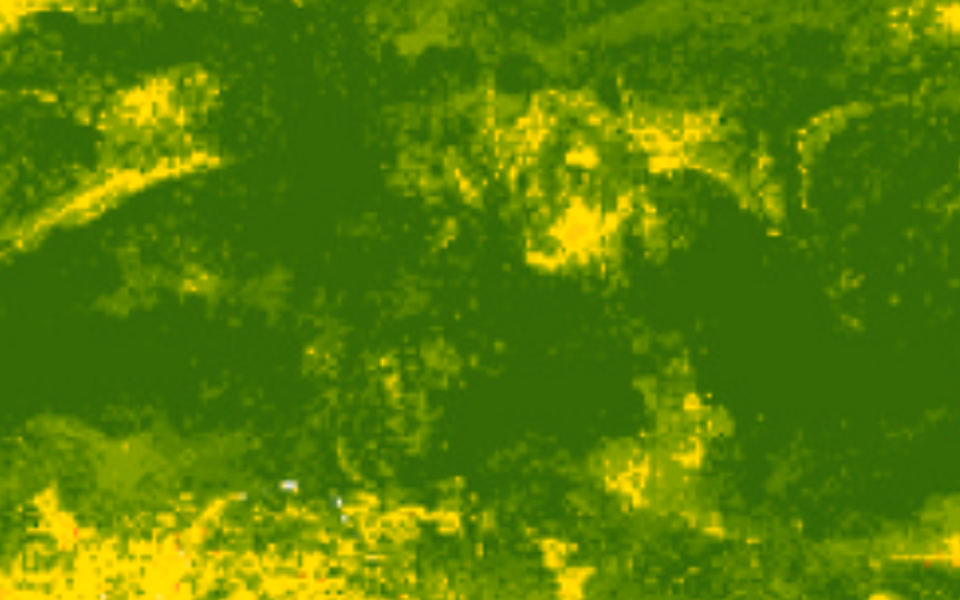
 Sensitivity analysisOne-at-a-time weight changes, by default ±50 % in 10 % steps, with a stability map.
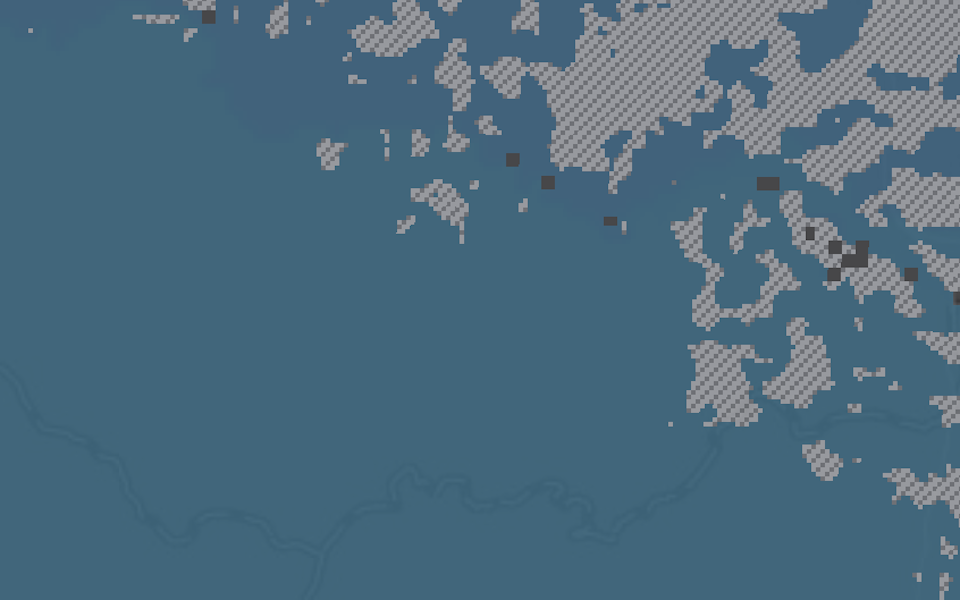 Live map previewThe map updates in the browser as you move a slider; the saved result is calculated on the server.
 PlannedValidationCheck results against known sites with class distribution and ROC/AUC.
Collaboration and teaching
Collaborate with your team and stakeholders, and run training courses
Projects are shared, not emailed around. Invite colleagues with clear roles, give stakeholders a read-only link, and turn a project into a course template.
- Roles for your team
- Read-only links for stakeholders
- Course templates for teaching
- Student progress at a glance
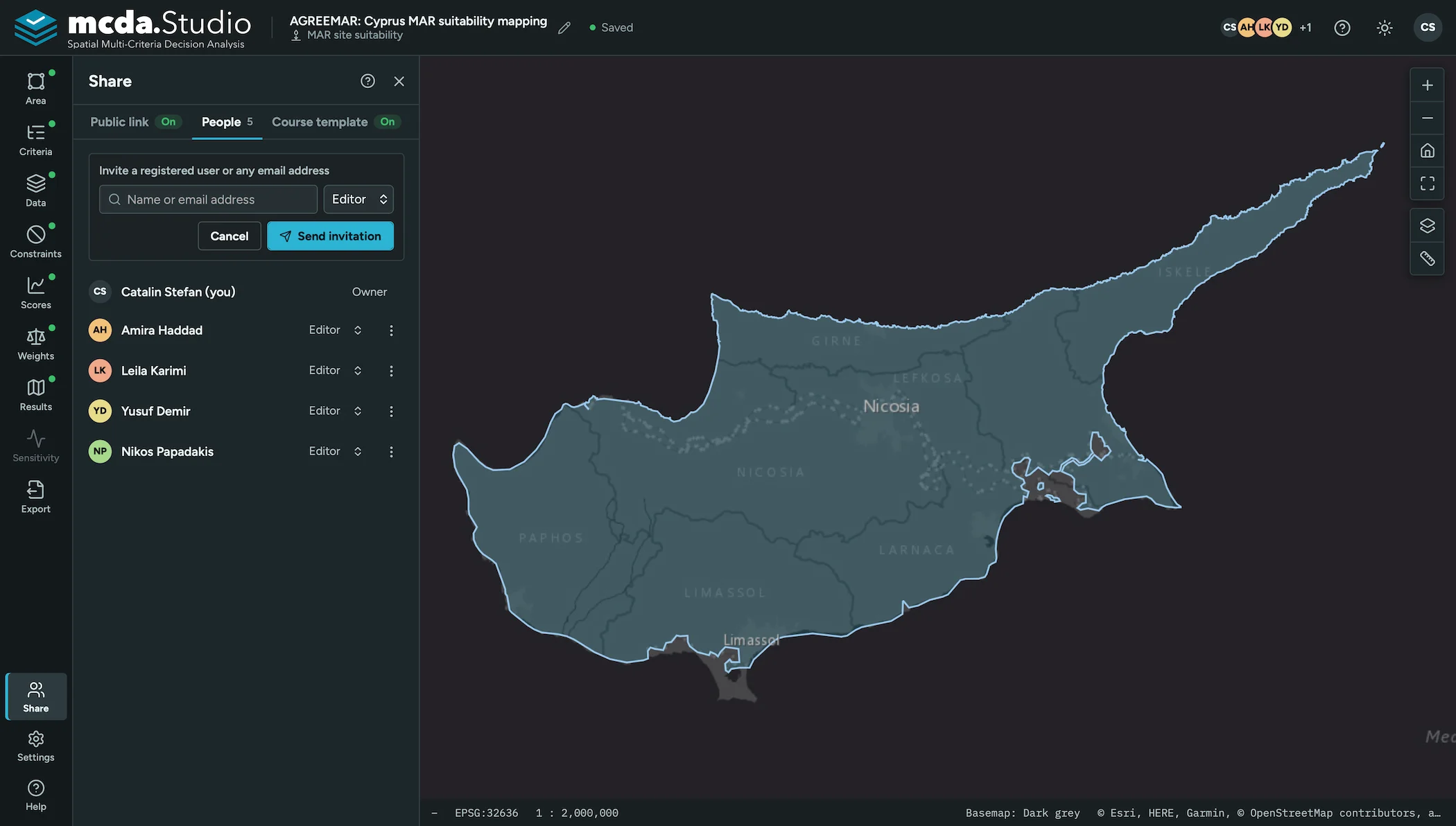
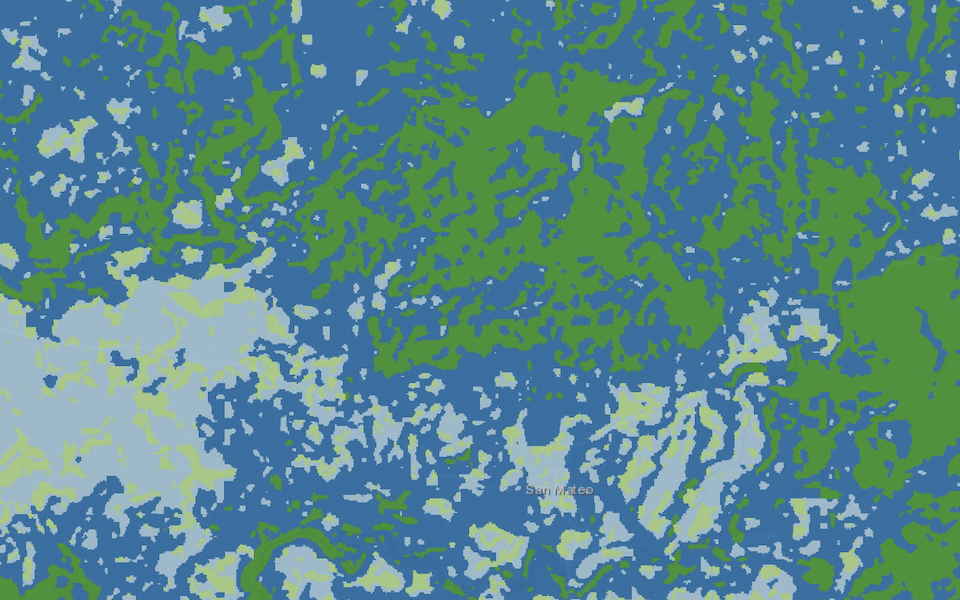 Roles and permissionsOwners, editors and viewers. Each step is locked while one editor works on it.
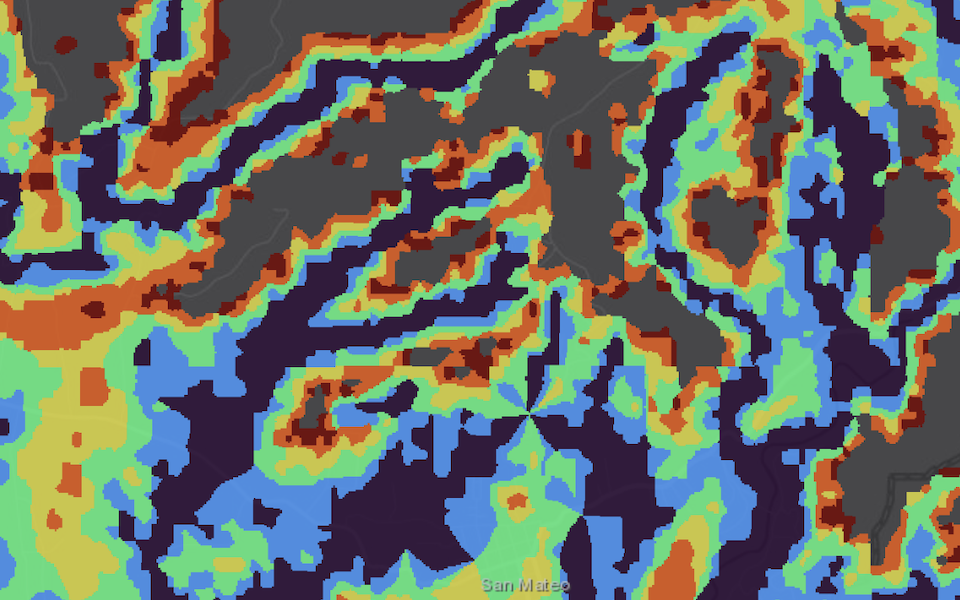 Read-only linkA snapshot for stakeholders without an account, with optional expiry, view count and revocation.
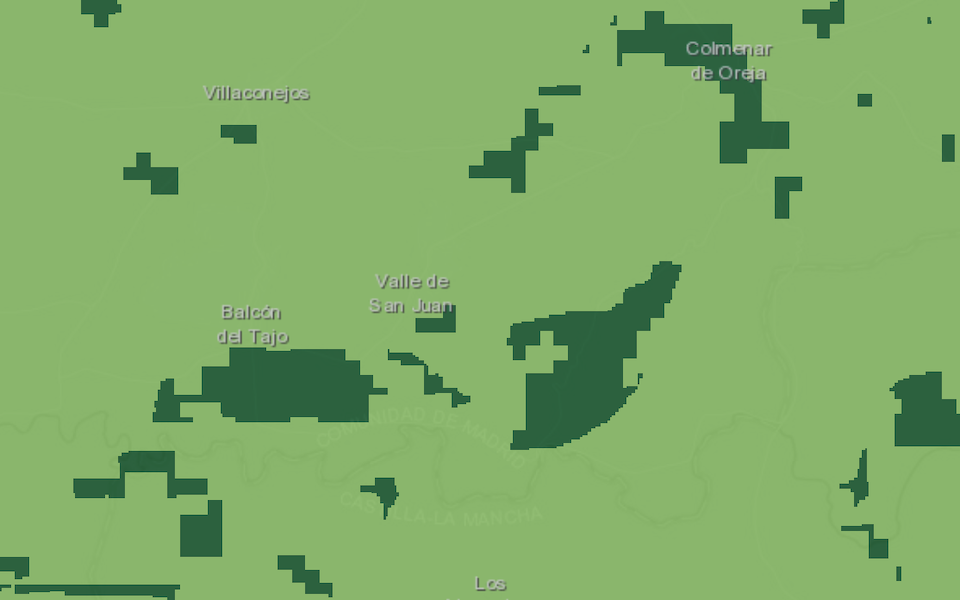 Course templatesStudents join with a code and get their own copy, prepared up to the step you choose.
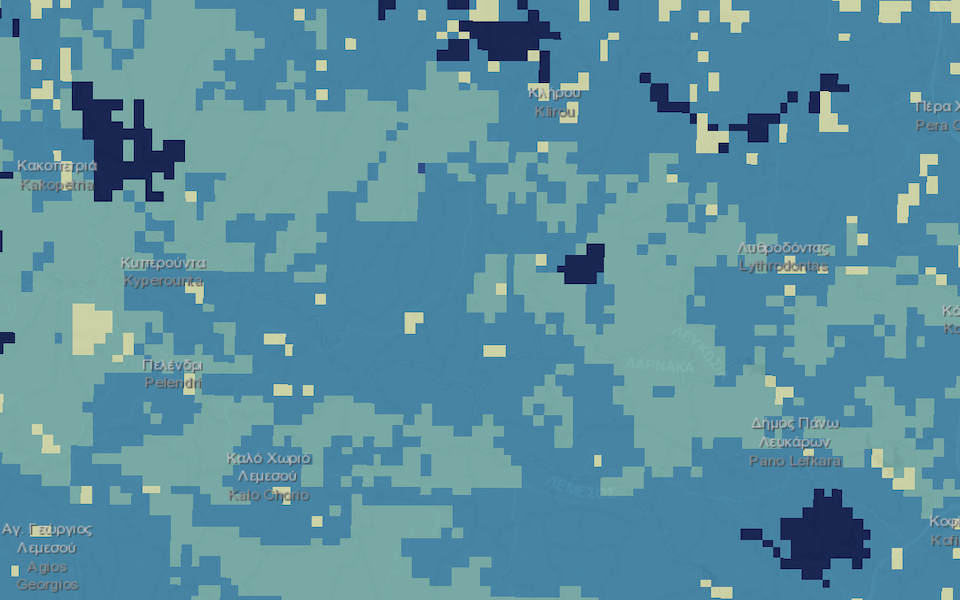 Student progressMap cards and a weights table show the whole class on one page.
Export
Export maps and data in GIS formats, with ready-to-use reports
Everything you produced leaves the tool in formats you already use, together with the settings that led to it.
- Reports ready to share
- Maps and data in GIS formats
- Project file to continue later
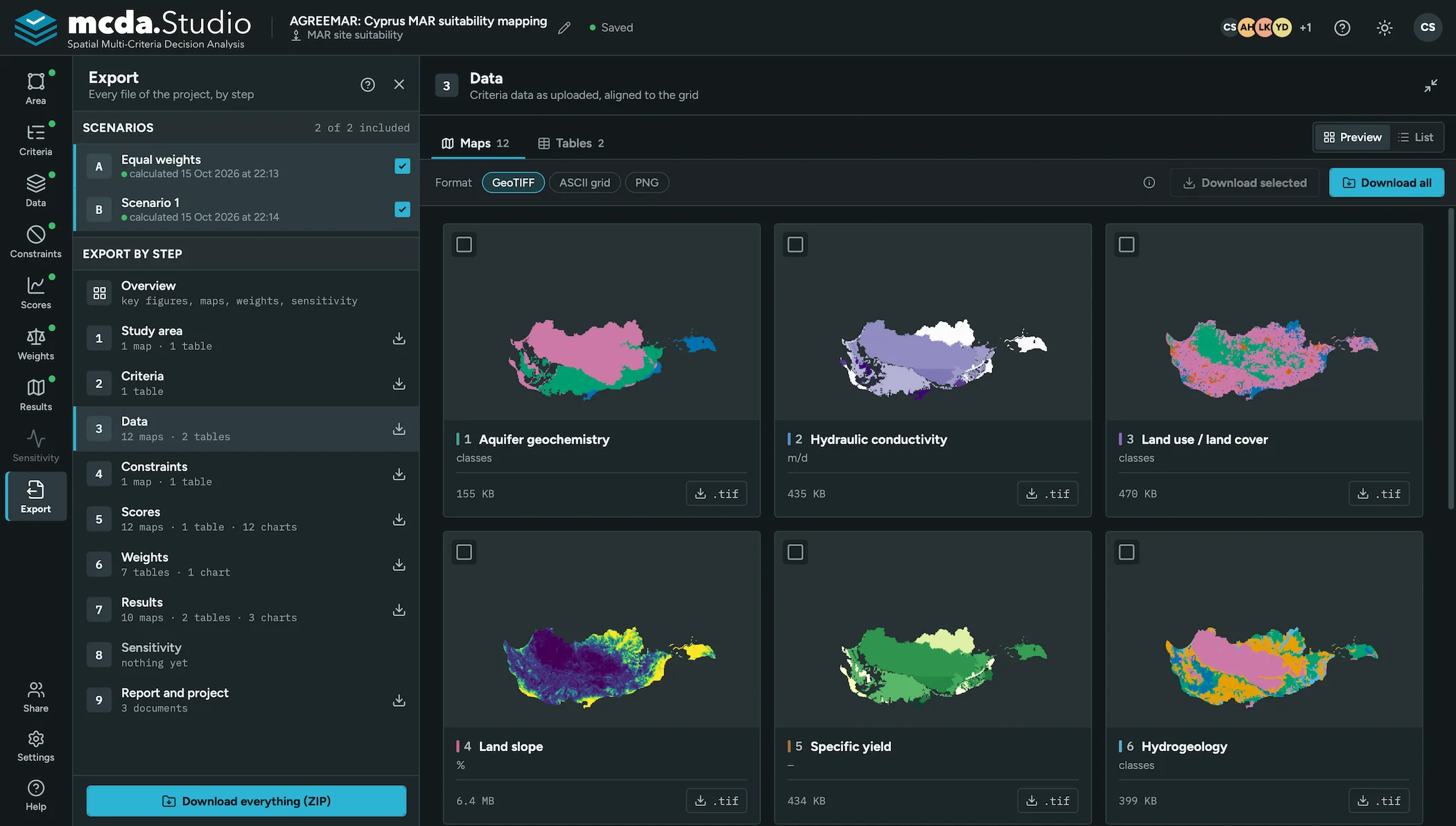

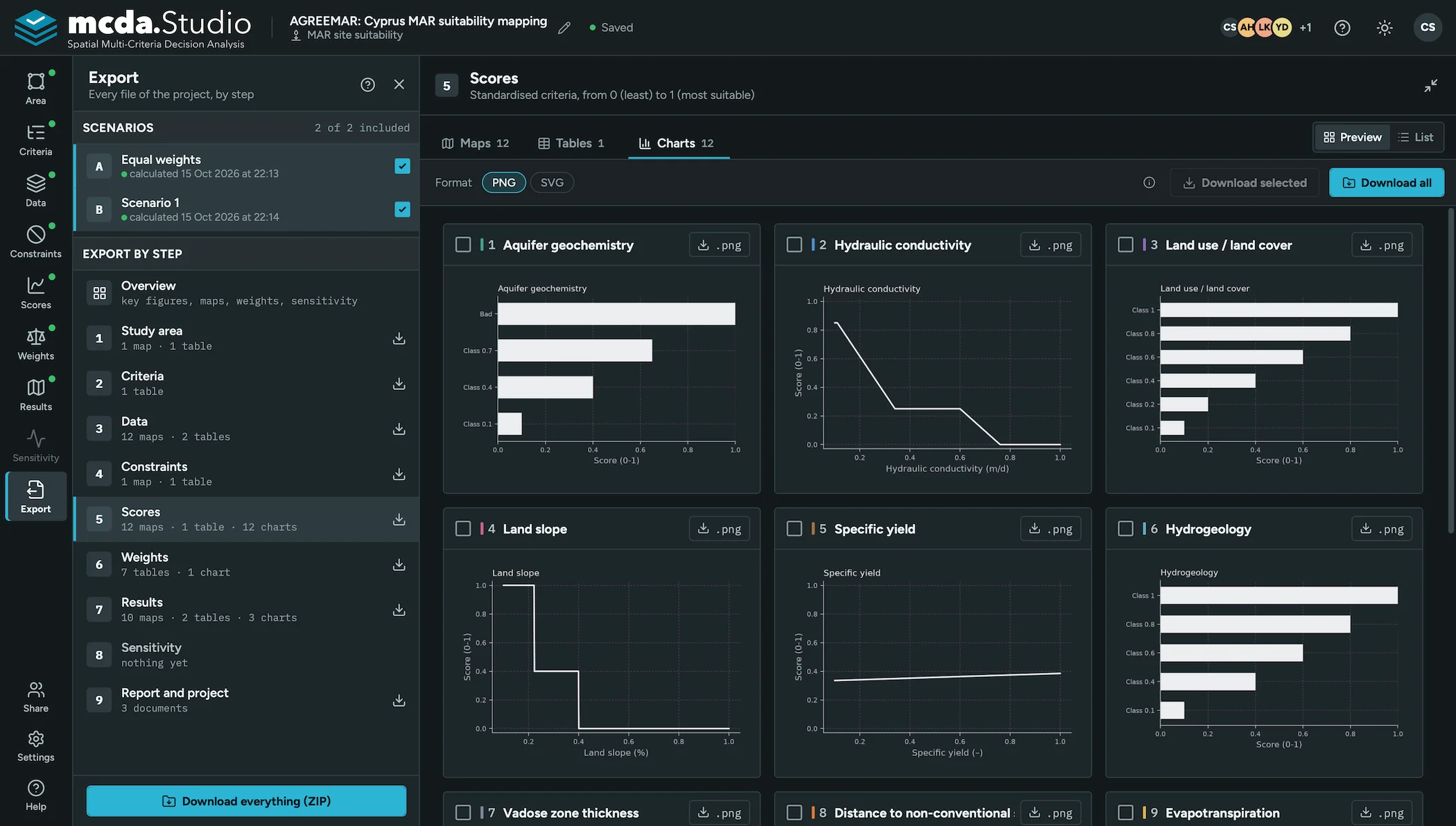
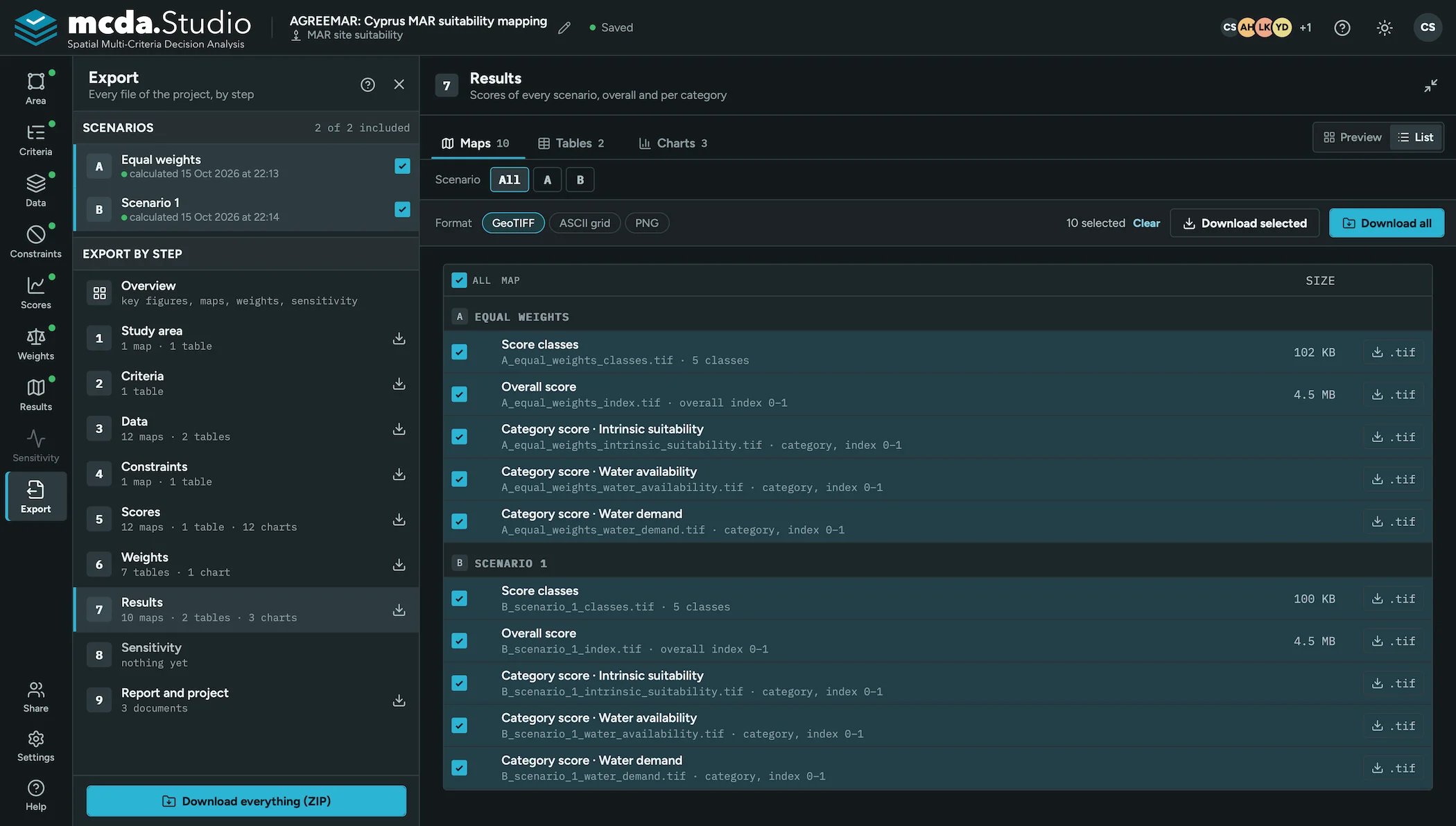

 Report as Word or PDFMaps on a coordinate grid, weights and settings in one report, with a live preview.
 GIS formatsGeoTIFF or ASCII grid for maps, CSV or Excel for tables, PNG or SVG for charts.
 ZIP downloadThe files of one step, or every file in the project, in one archive.
 Project fileA ZIP package with data and settings, or a JSON settings file, to import again later.